Download started
Your download has started
Extender is on its way to your Mac. Follow the three steps below so the panel shows up in Final Cut Pro.
 Extender.dmgDidn't start? Download again
Install it in Final Cut Pro
Open the DMG once it lands in Downloads, then register the Workflow Extension.
- 01Open the DMG and drag Extender to Applications
Double-click the downloaded DMG, then drag the Extender app into the Applications folder. Eject the disk image when you are done.
- 02Launch Extender once
Open Extender from Applications. A short alert confirms the workflow extension is loaded. Close it — that one launch is what registers the plugin.
- 03Open the panel in Final Cut Pro
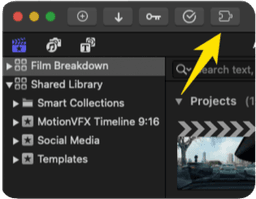
In Final Cut Pro, go to Window → Extensions → Extender. The Generative Extend panel is ready to use.